We use cookies to personalize content and analyze traffic. We share information about your usage with our partners, who may combine it with other data.
Read more


A COD landing page is a page that introduces visitors to a product and collects orders with cash on delivery. In nutra affiliate marketing, its purpose isn’t simply to generate as many leads as possible. It’s to attract buyers who understand the order terms and are ready to confirm their purchase over the phone.
Even a great offer and a strong ad creative may fail to deliver a profit if the landing page loads slowly, the form is difficult to complete, or visitors can’t figure out how much they’ll need to pay.
Let’s explore how to build an effective landing page for nutra, which elements actually matter, and what to check before launching paid traffic.
A landing page for a COD offer has three main functions: presenting the product, explaining the purchase terms, and collecting contact details for order confirmation. The buyer submits a request, an operator calls to clarify the details, and payment is made upon delivery.
It’s important to distinguish between two tools. If you’re searching for “landing page vs pre-landing page,” the difference is simple: a pre-lander introduces the offer and directs interested visitors to the main page. A landing page, in turn, displays the product, price, purchase terms, and order form.
However, not every funnel needs a pre-lander. Sometimes a direct “ad → landing page” flow performs better, especially when the audience already understands the product without additional explanation.
Essentially, an affiliate marketing landing page and an e-commerce landing page serve a similar purpose: turning ad clicks into leads. But a landing page with cash on delivery must also account for the call center’s work. An incorrect phone number or unclear pricing can cost you a confirmed order.

A good landing page structure guides visitors through a clear sequence: what the product is → why they need it → why they can trust the information → how much it costs → how to order.
The first screen of your landing page should immediately show what you’re offering and under what terms. Keep the essentials visible:
Make sure the information matches your ad creative. If the ad shows one discount and the landing page shows another, trust disappears quickly.
The order button on your landing page should take visitors directly to the form. Avoid overloading the first screen with multiple CTAs.
The next landing page elements should help visitors understand the offer: ingredients, usage instructions, manufacturer information, and purchase terms.
Landing page reviews should feel natural and credible, without exaggerated promises, miracle results, or overly enthusiastic stories. The closer reviews are to real customer experiences, the more trust they build.
Don’t forget to explain delivery terms on your landing page: shipping times, available regions, payment methods, and additional costs. Display the price and COD terms again before the order form so visitors don’t have to search the entire page for them.
Remember, a high-converting landing page answers customer questions before the operator even makes a call.

The order form on a landing page should be simple and intuitive. Visitors are already interested in the product, so your job is to make submitting their details as easy as possible.
For most COD offers, a name and phone number are enough. The operator can clarify the remaining details during the call. If logistics in a particular GEO require additional information, include the necessary fields. The key is to ask only for information you actually need.
Phone number validation should account for the specifics of each GEO. For example, Morocco and Pakistan use different phone number formats.
Check the following:
Tip: Test your landing page order form on both Android and iPhone. Try pasting a number from the clipboard, changing the country code, or leaving out a digit.
A mobile-first landing page is designed primarily for smartphones, taking smaller screens and touch navigation into account from the start. A responsive landing page, by comparison, simply adjusts its layout to different screen sizes.
To make your mobile landing page user-friendly, follow a few rules:
Don’t hide important details just to save space. The mobile version of a landing page should include the same product specifications, pricing, and purchase terms as the desktop version.
Landing page speed is especially important for mobile traffic. Compress images, use WebP or AVIF formats, remove heavy animations, and eliminate unnecessary scripts. The main product image should load without delays.
Check your page using PageSpeed Insights. The main Core Web Vitals metrics are LCP (loading performance), INP (responsiveness), and CLS (visual stability). Google’s recommended thresholds are LCP of 2.5 seconds or less, INP of 200 ms or less, and CLS of 0.1 or less.
And don’t forget to open your COD landing page using mobile data. A page that loads quickly over Wi-Fi may perform noticeably worse on a weak connection.
Want to know how to increase landing page conversion rate? Start with the numbers. Landing page CR shows the percentage of visitors who submit a lead: divide the number of leads by the number of visits and multiply by 100%. But in COD nutra, a high CR doesn’t necessarily mean high profits.
Let’s compare two landing pages with the same $200 budget and 1,000 visits:
| Metric | Landing Page A | Landing Page B |
| Leads | 100 | 70 |
| CR | 10% | 7% |
| CPL | $2 | $2.86 |
| Approval Rate | 15% | 30% |
| Confirmed Orders | 15 | 21 |
| Cost per Approved Order | $13.33 | $9.52 |
Landing Page B generated fewer leads but more confirmed orders. With the same payout per approval, it’s the more profitable option. That’s why you should track not only CR and CPL but also Approval Rate, cost per approved order, CPA payouts, and advertising expenses.
To avoid losing data, install a tracking pixel on your landing page and configure a successful lead submission event. Make sure it fires only after the data has been sent to your system and doesn’t trigger multiple times.
Start each landing page A/B test with one hypothesis. For example, compare an order form placed above the fold with one at the bottom of the page, or test two different CTAs. If you change everything at once, it’ll be difficult to identify what caused the difference in results.
Don’t draw conclusions after just a few leads. Wait until you’ve collected enough data and compare both CR and approval rates.
If you’re using ready-made nutra landing pages, always adapt them to your GEO: language, price, delivery terms, phone number formats, and visuals. Even a successful landing page structure won’t necessarily perform equally well in every country.
Before launching your ads, check the following:
Tip: Go through the entire customer journey yourself, from clicking the ad to submitting the order form. This will help you catch errors before launching the campaign.
Want to run nutra offers without spending extra time building landing pages? At INB.bio, you can choose an offer for your target GEO, while your affiliate manager can explain which ready-made nutra landing pages are available, whether they can be customized, and how to set up lead tracking. Pick your offer and launch your next campaign.
Свернуть

We operate across 15+ countries with low competition and exceptional profit potential. Our focus covers high-growth regions for scalable traffic and conversions.


3+ offers

22% app.

2+ offers
23% app.

15+ offers
24% app.

9+ offers
24% app.

8+ offers
23% app.

2+ offers
21% app.

1+ offers
16% app.

3+ offers
20% app.
Our product line is built for results: every offer is tested, localized, and ready to scale.

Joints

Algeria

$21
/lead
Weight loss
Ivory Coast
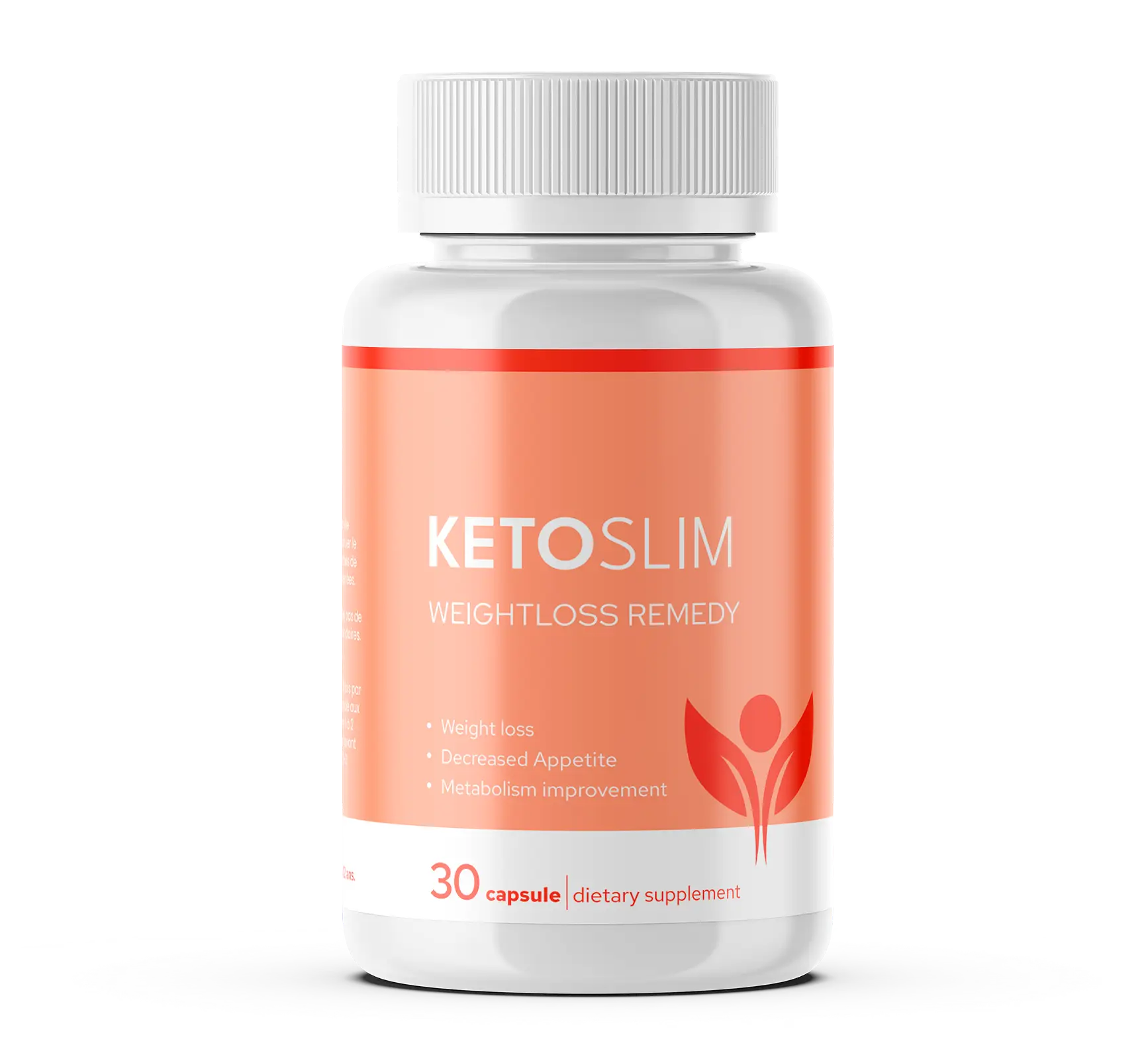
$21
/lead
Algeria
Prostatitis

$21
/lead
Prostatitis
Ivory Coast
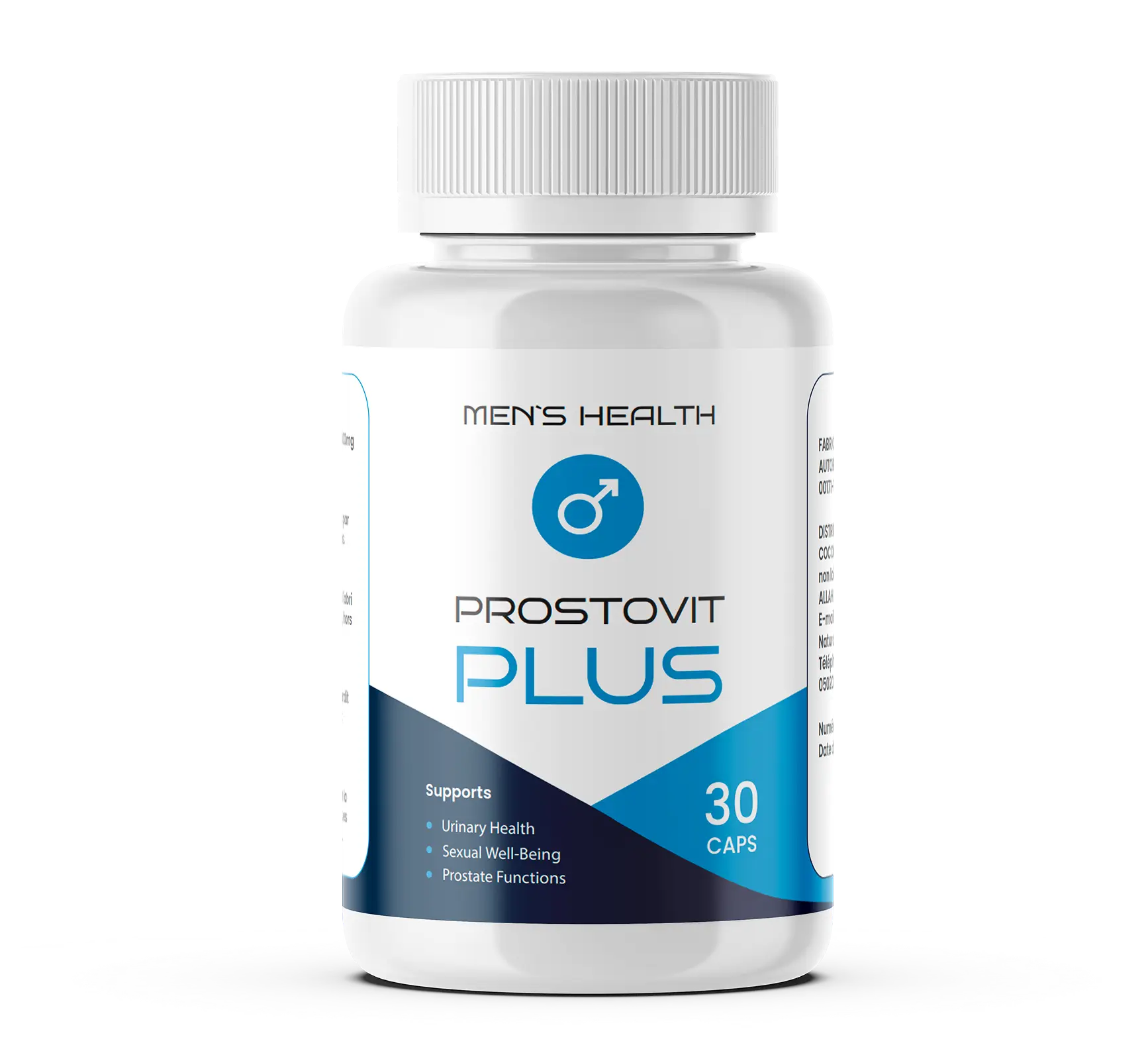
$19
/lead
Weight loss
Pakistan
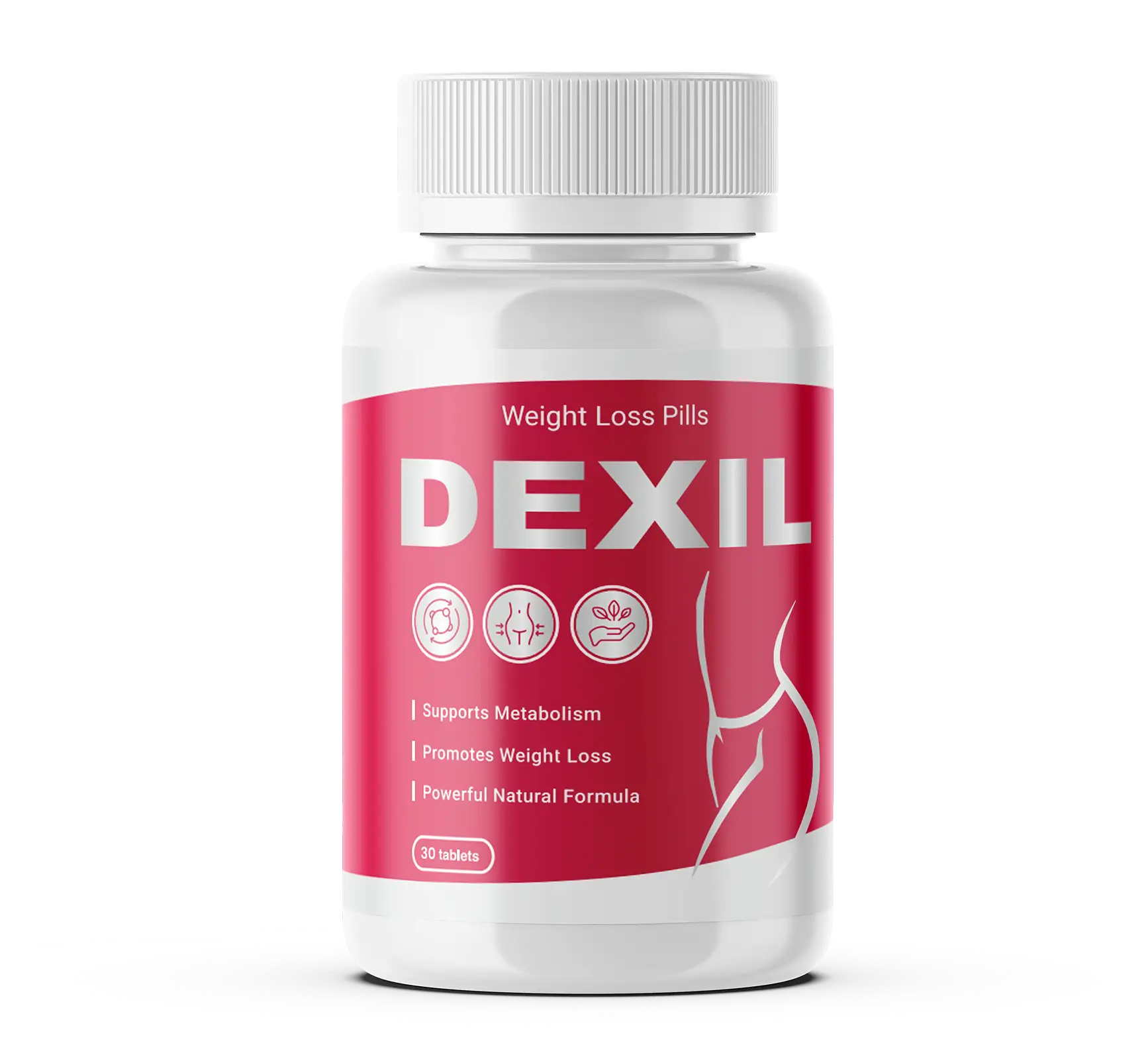
$10
/lead
Joints
Ivory Coast
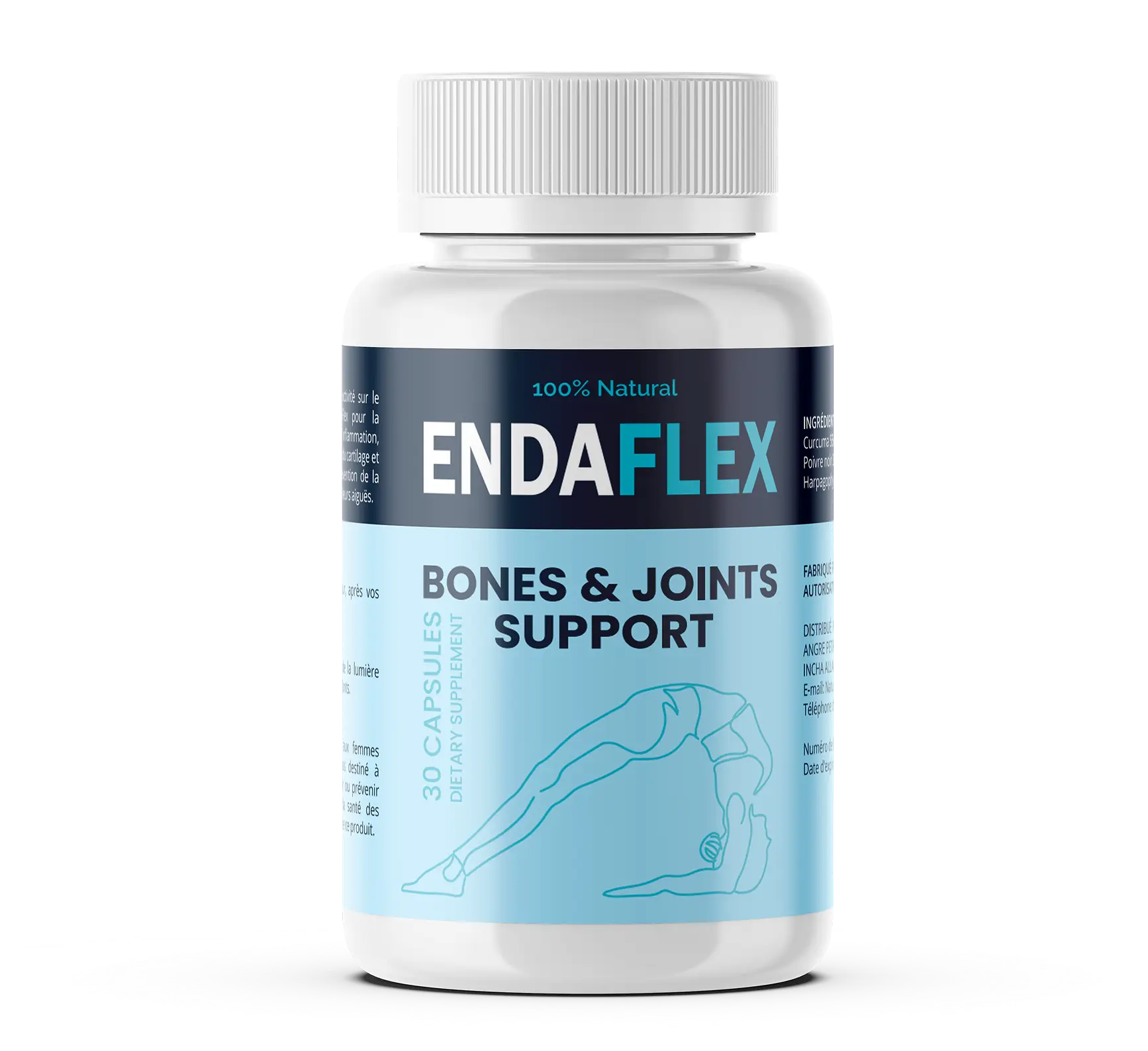
$21
/lead
Hair
Morocco
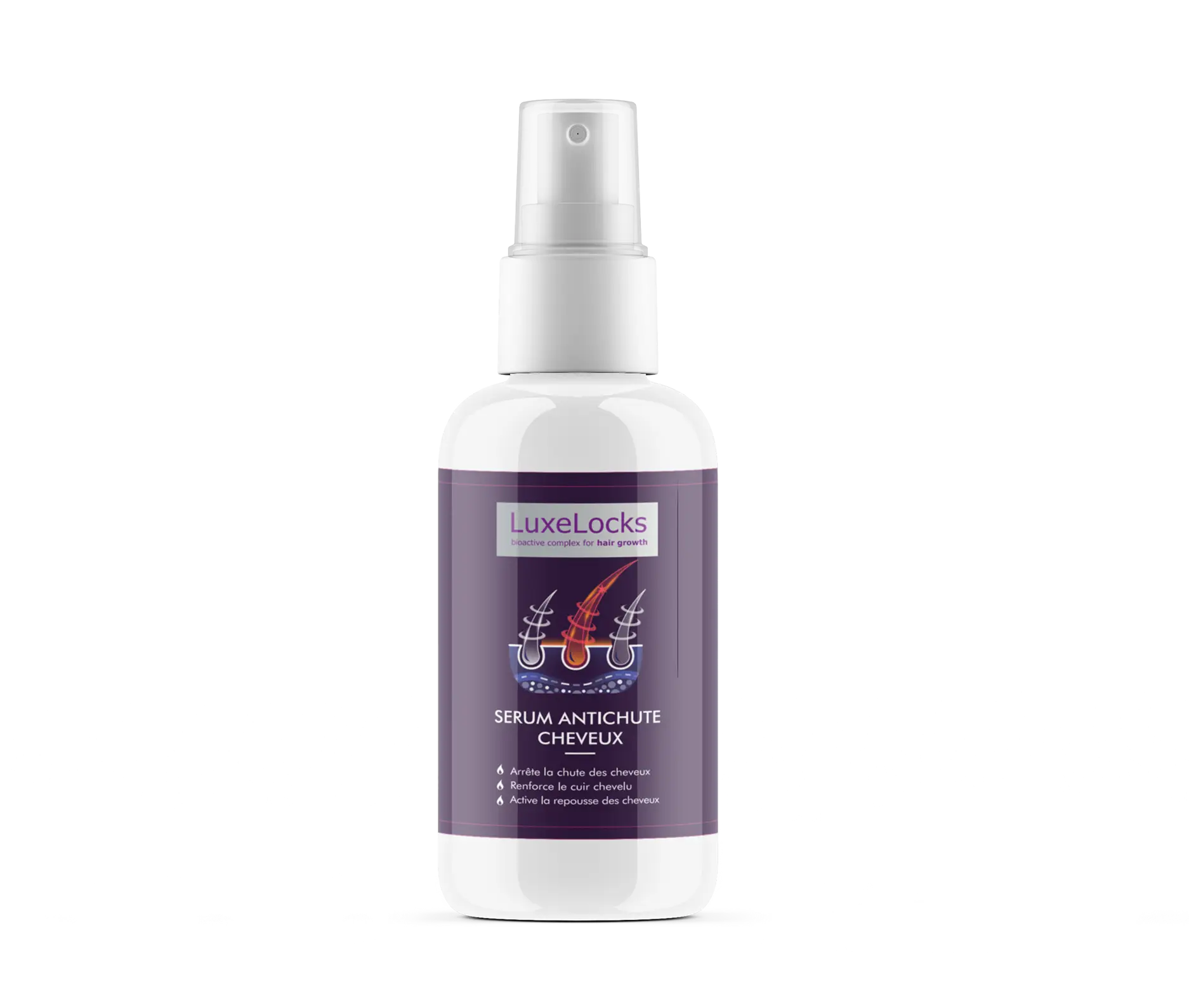
$18
/lead
Diabetes
Ivory Coast
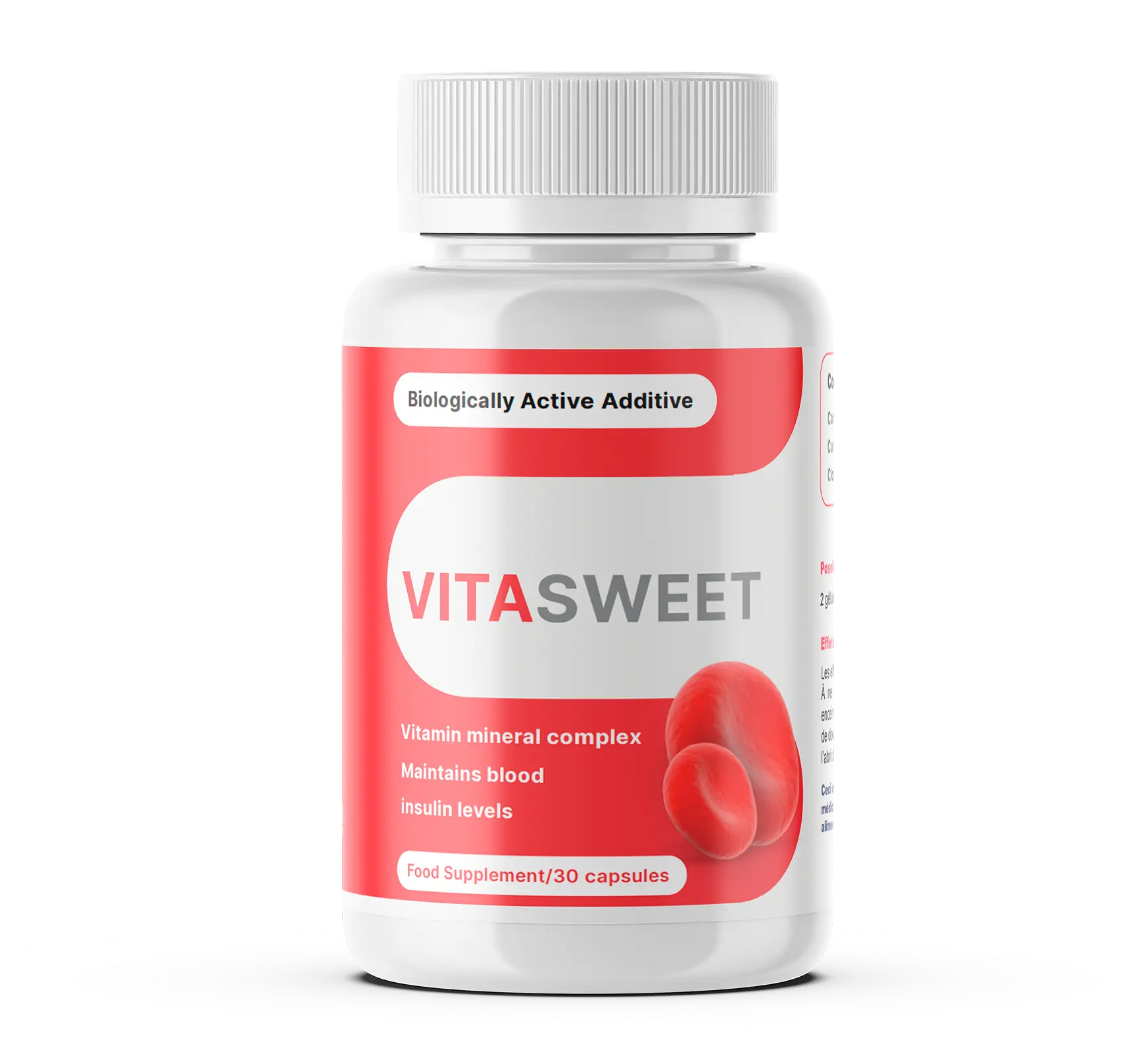
$21
/lead
Prostatitis
Algeria

$21
/lead
Joints
Tunisia
$22
/lead
Hearing
Morocco
$19
/lead